Merge PDF
Combine multiple PDFs, reorder pages, rotate individual pages, and insert images or text pages before merging.
Local PDF tools for Android
Merge, organize, compress, sign, redact, protect, and create PDFs on your device. No cloud upload, no account, no daily limits, and no watermarks added to your output.
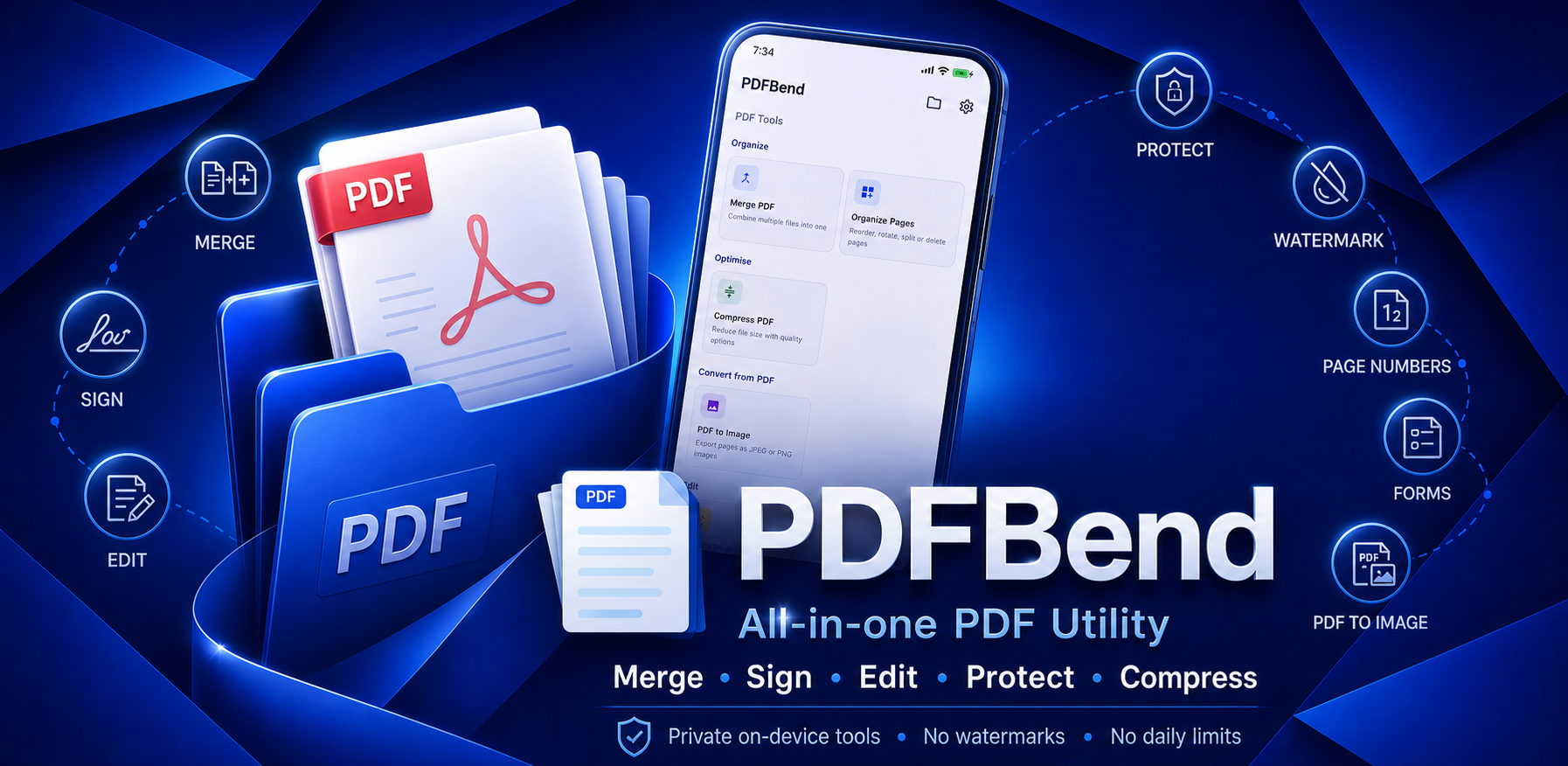
PDFBend brings the core document actions into one clean Android app, from quick fixes to full PDF creation.
Combine multiple PDFs, reorder pages, rotate individual pages, and insert images or text pages before merging.
Rearrange, rotate, extract, or delete pages with multi-select and one-tap rotation options.
Reduce file size for sharing and storage without unnecessary quality loss.
Lock PDFs with AES-256 password encryption, or unlock PDFs you own by entering the password once.
Draw or type a signature, then place, resize, and save it exactly where it belongs.
Add text or image watermarks and page numbers with control over style, position, color, and range.
Complete text fields, checkboxes, radio buttons, and dropdowns in interactive PDF forms.
Permanently black out sensitive text or areas so redacted content cannot be recovered.
Export pages as high-quality PNG or JPEG images, saved directly to Downloads on Android.
Start from a blank canvas with text, images, shapes, drawings, tables, form fields, and page controls.
Work comfortably with a modern interface designed for focused editing sessions.
PDFBend is free and supported by ads shown after operations complete, never during editing.
PDFBend is built around local processing. Your PDF files and image content stay on your device while you edit, export, share, and save.
Use the PDF tools as often as you need, without creating an account or accepting watermarks on the finished files.
Pick the file, make the change, then share or save the result when it is ready.
Start with merge, organize, compress, sign, redact, forms, images, or a blank creator canvas.
Preview pages, reorder content, adjust settings, and let heavier work run in the background.
Share the finished file or save it to Downloads on Android, with no watermark added.
PDFBend is available on Google Play for Android users. Windows support is ad-free, while the public store listing focuses on Android.